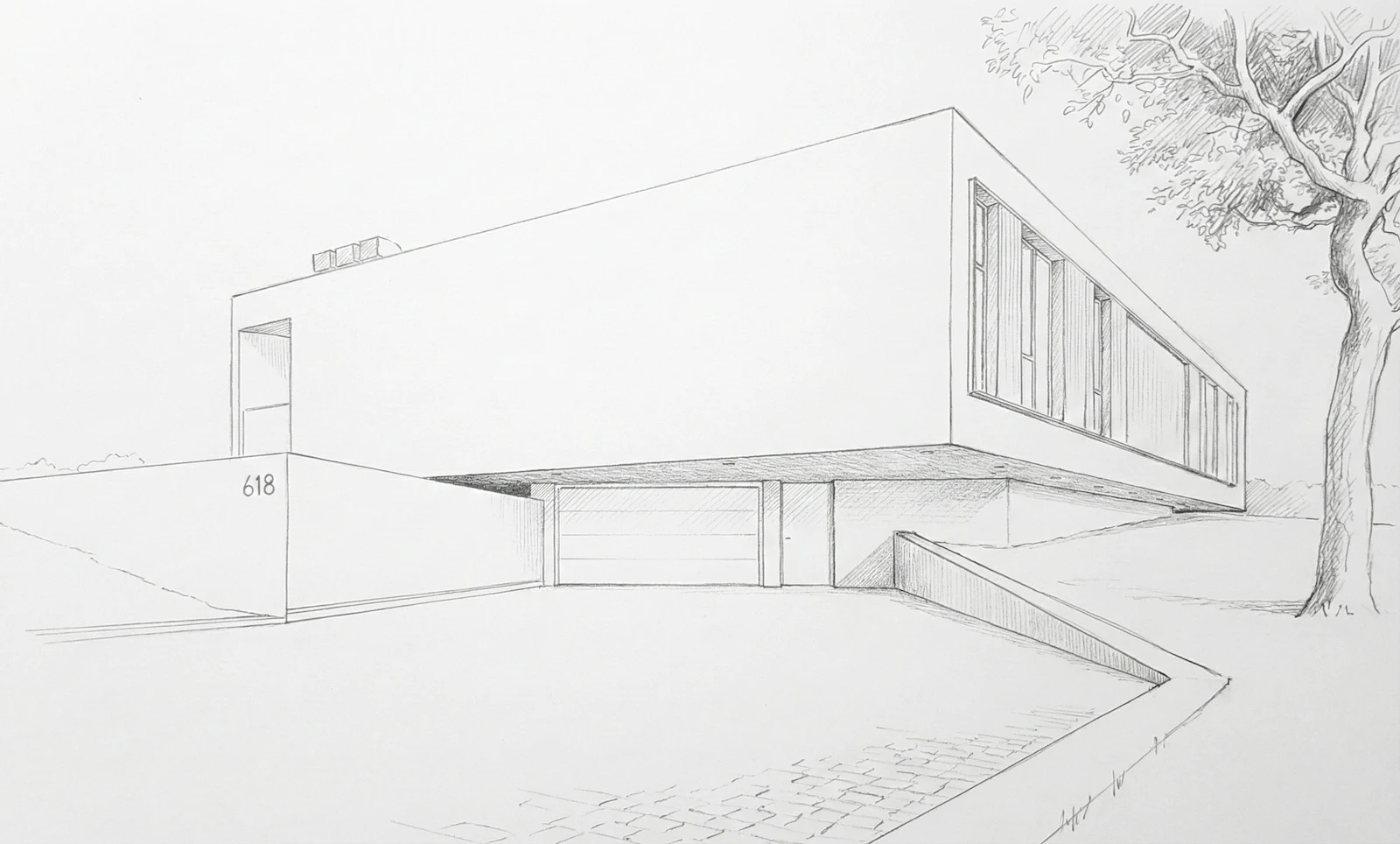


1. Upload your screenshot
Start with a sketch, model screenshot, or drawing. No plugins, no file export, no material setup.
Turn sketches, model screenshots, and rough project views into presentation-ready images while keeping your geometry, camera, and design intent intact.
No credit card required · Pay-as-you-go credits
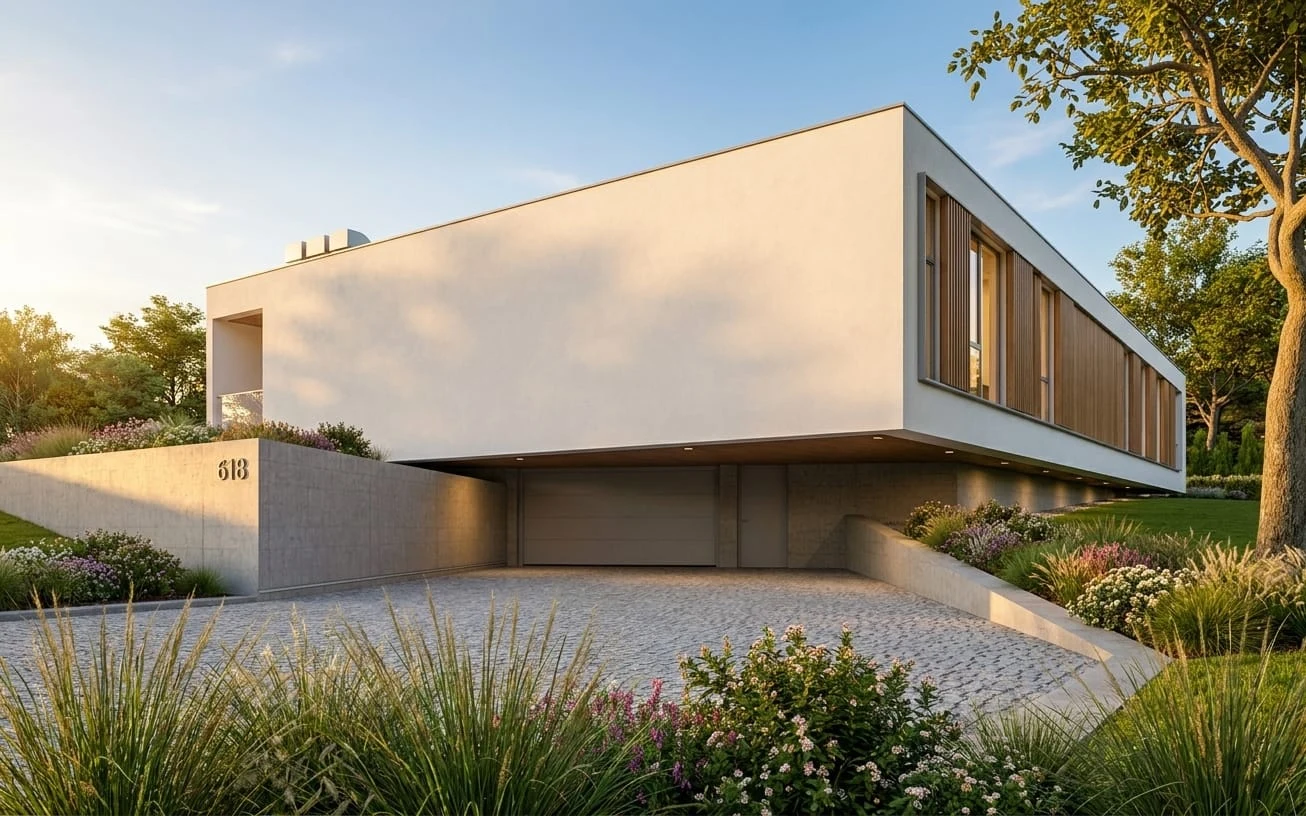
Start with a sketch, model screenshot, or drawing. No plugins, no file export, no material setup.
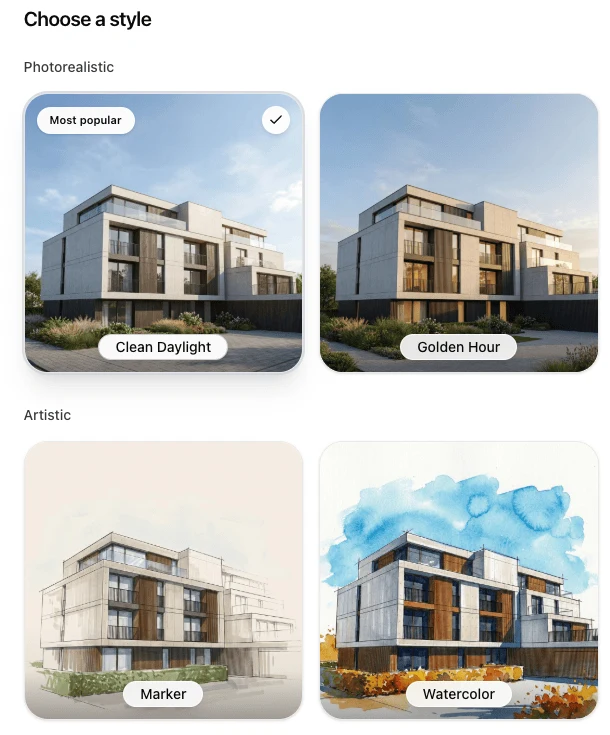
Pick a ready-made style - or request a custom style for your office.
Get a high-resolution result and use modifications to adjust materials, people, cars, greenery, lighting, or small presentation details.
Use cases
From first massing studies to client revisions, create images that help people understand the design without waiting for a traditional render workflow.
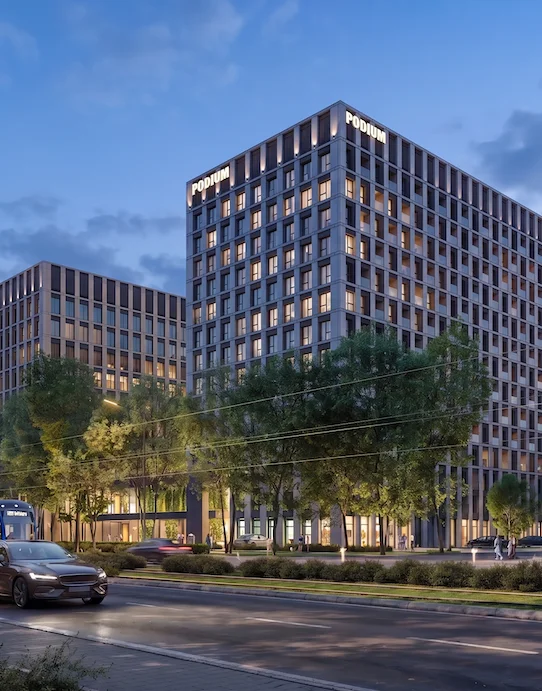
We were skeptical about AI rendering tools because they usually change the design and break the original geometry. QuickArchViz kept our massing and composition intact while adding realistic lighting, materials, and atmosphere. It feels like a tool made for real architectural workflows, not random AI images.
Use QuickArchViz when you need strong visuals before spending time on a full rendering setup.
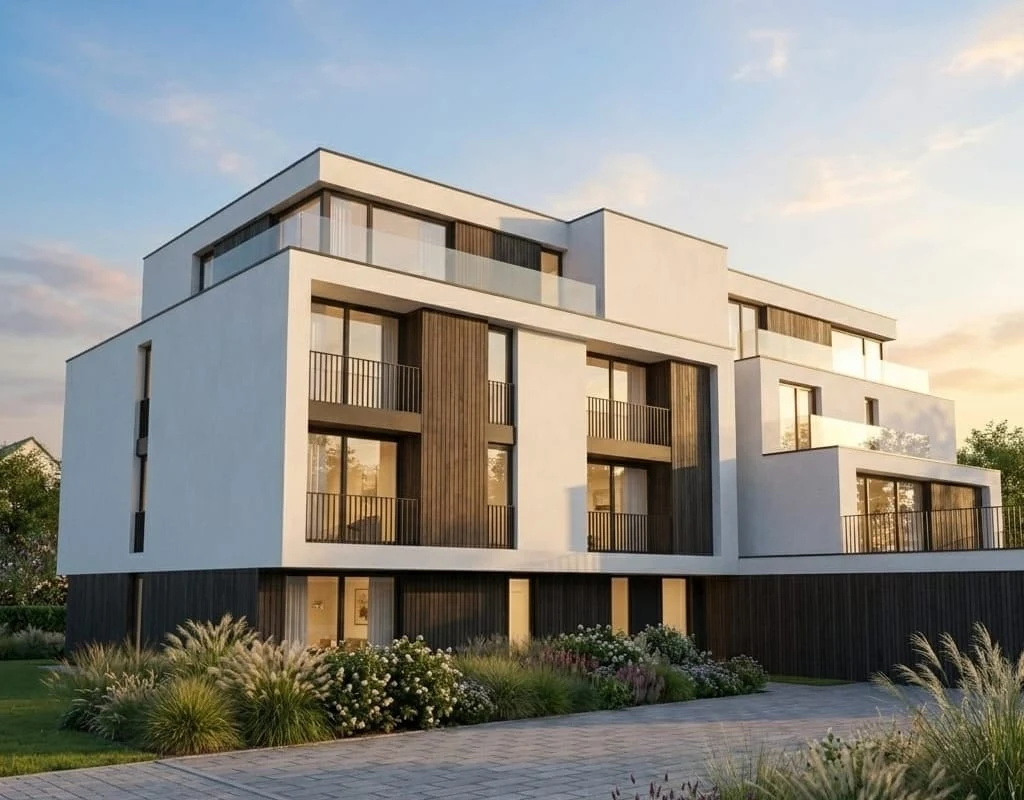
Architectural visualizations
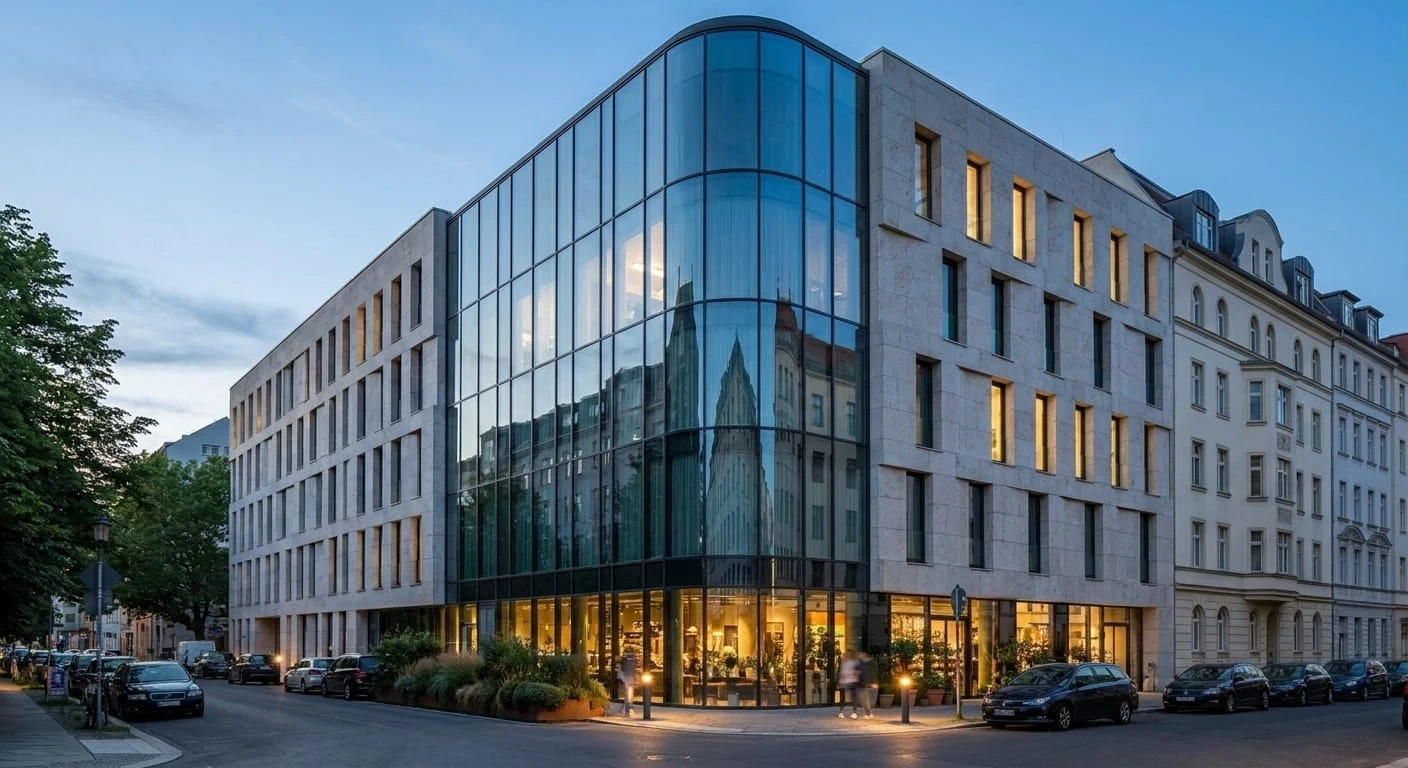
Upload a raw view from SketchUp, Revit, Archicad, or 3ds Max and generate a polished image for client meetings, design reviews, or internal discussions.
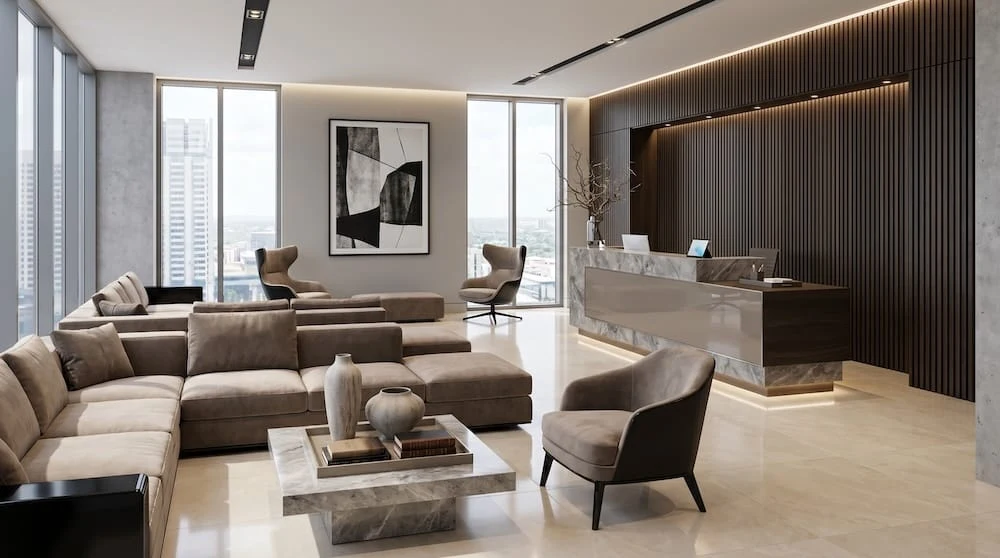
Interior visualizations
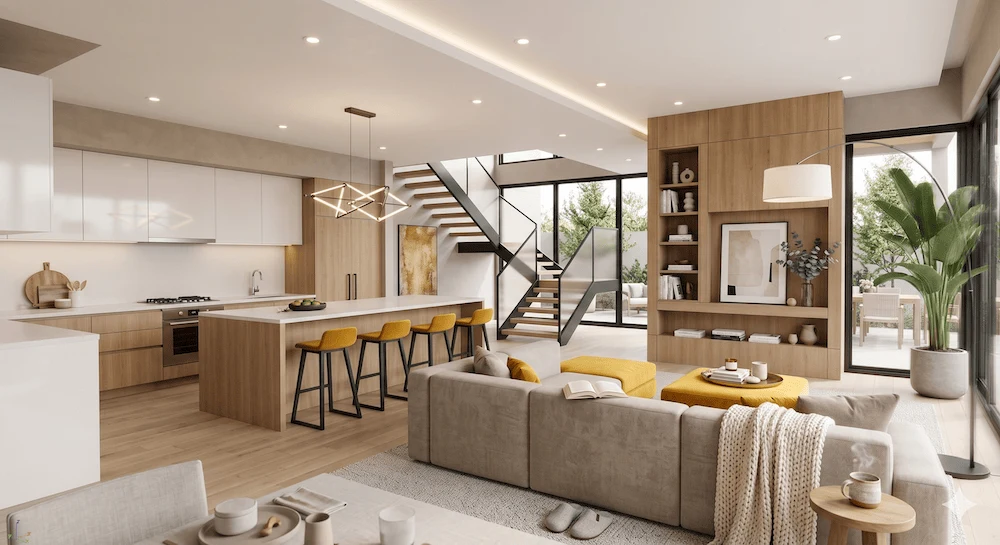
Transform simple interior views into warm, readable visuals that help clients understand mood, materials, and spatial character.
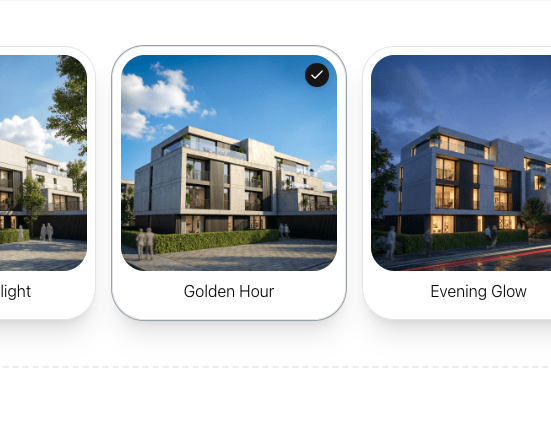
Custom company styles
On request, we can prepare a reusable QuickArchViz style preset that matches your company presentation language, materials, lighting, and mood.
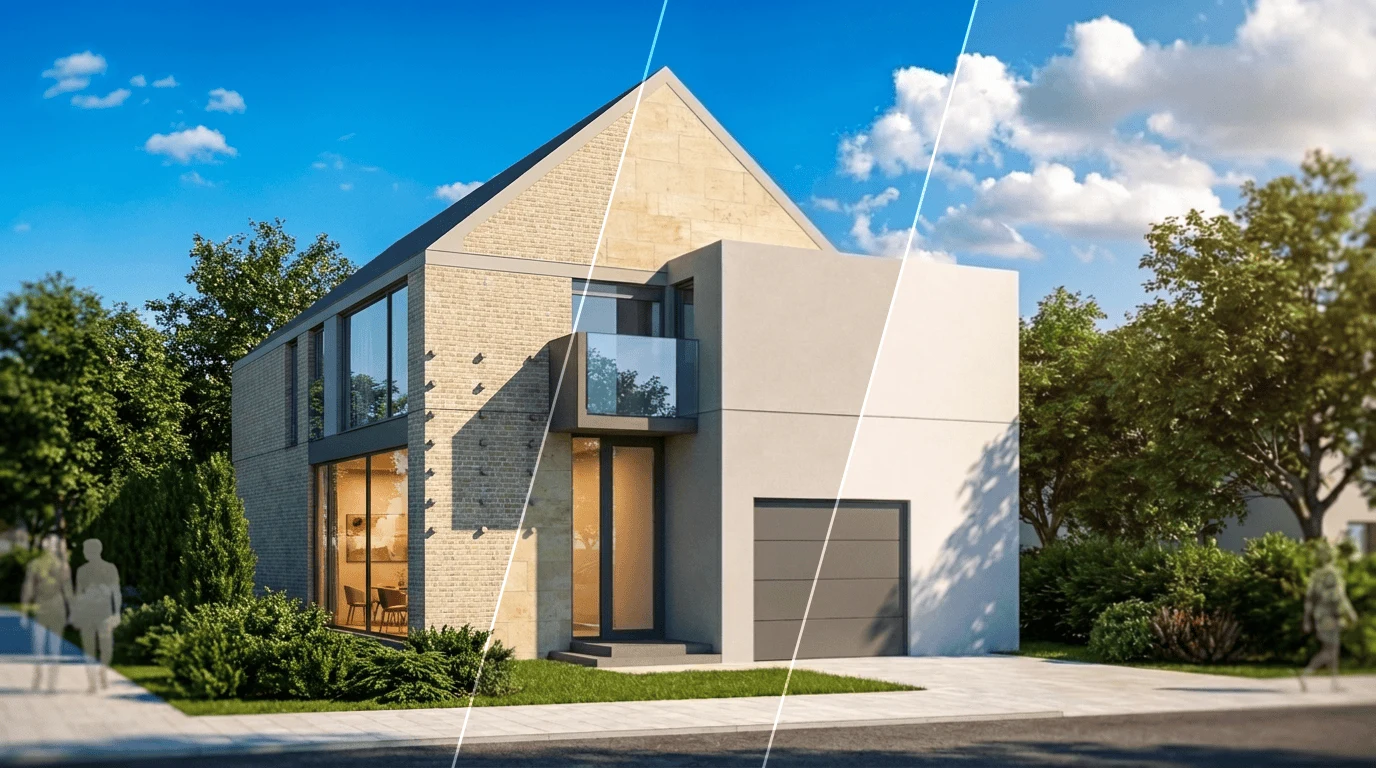
Material and finish options
Compare brick, timber, concrete, color palettes, landscape mood, and facade details while keeping the same geometry and camera.
Optional motion
Create subtle walkthrough-style motion from a finished image for social posts, client updates, or project previews.
Before and after
Compare the input image with the presentation visual QuickArchViz can create for exterior studies, interiors, sketches, and material options.
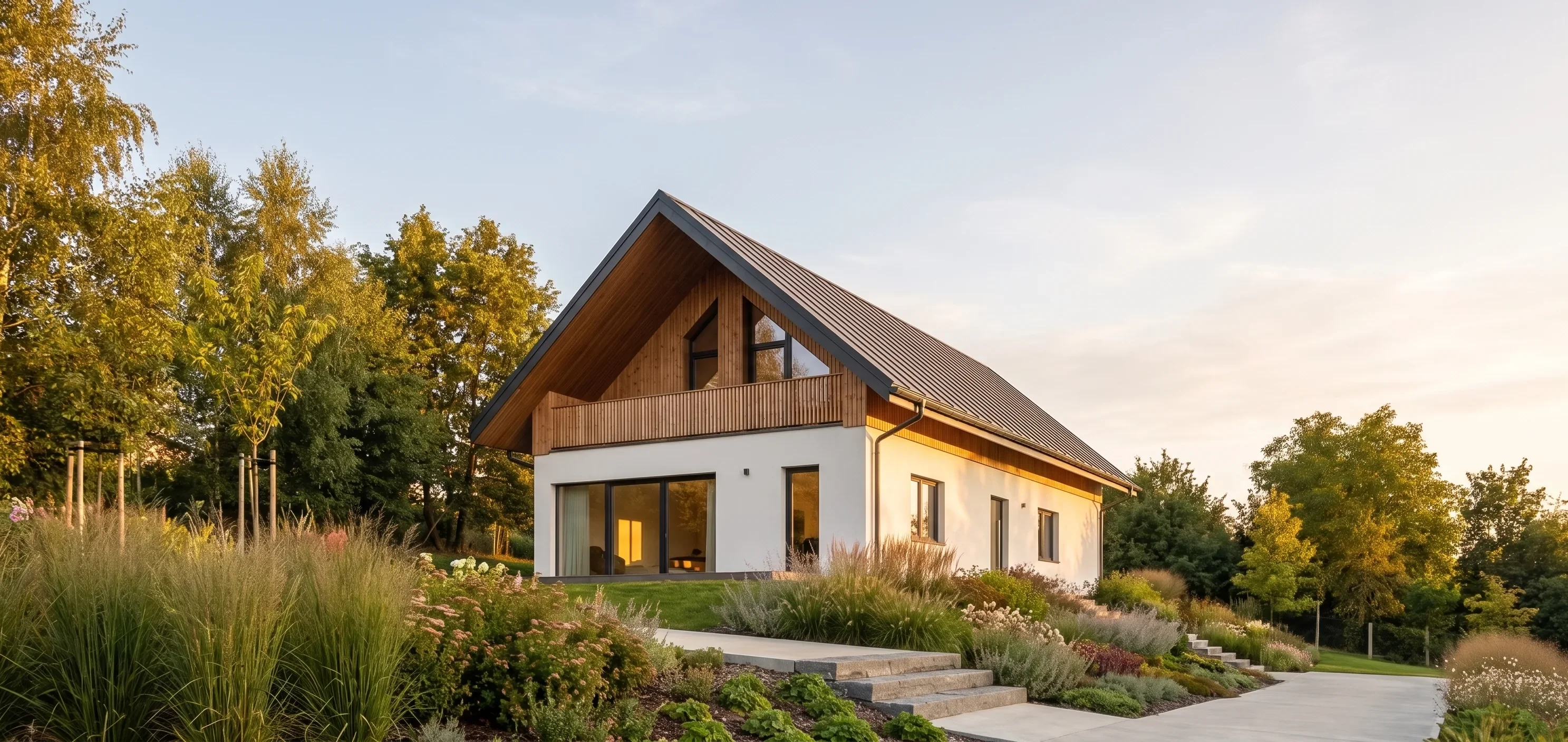
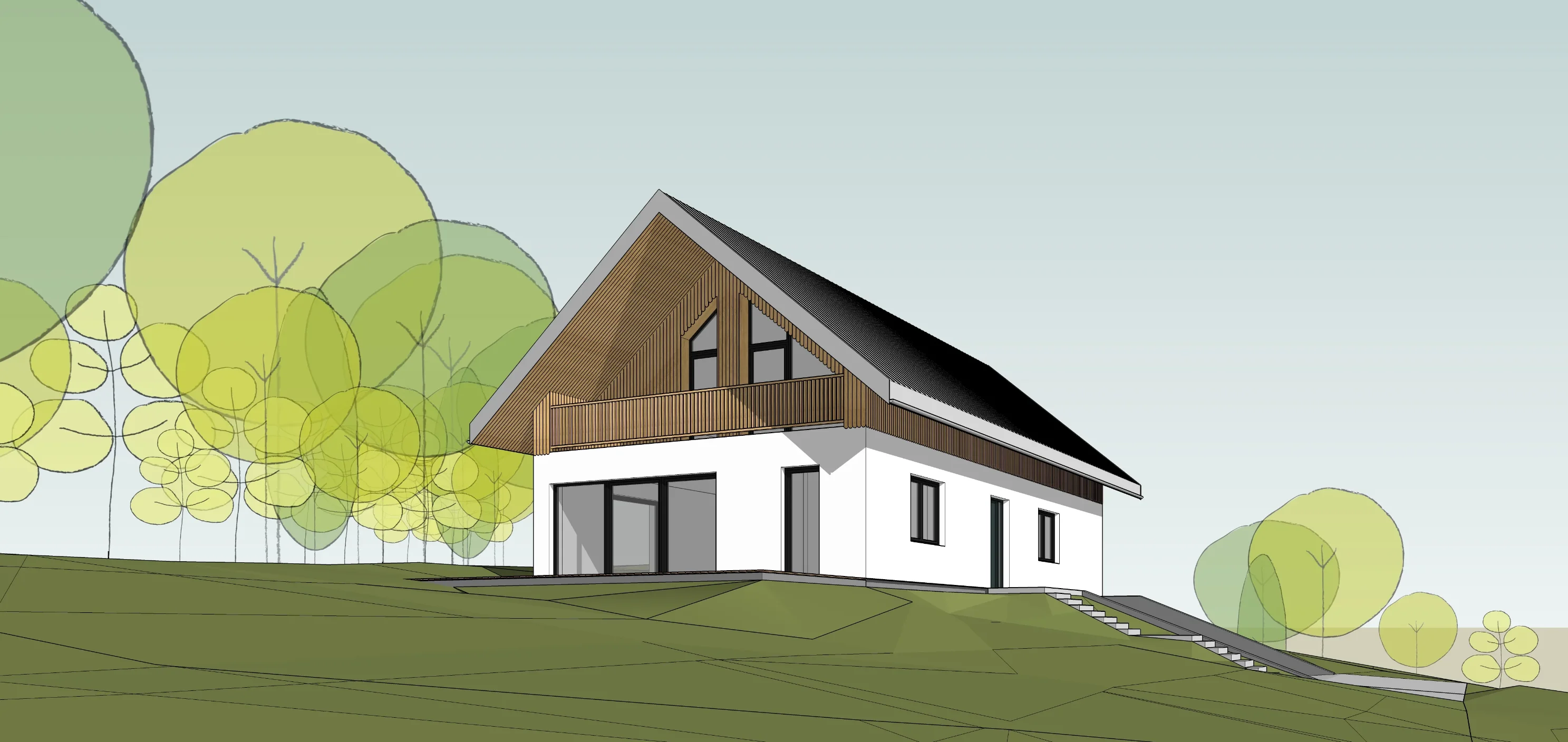
Results depend on input quality and project complexity. QuickArchViz is designed to preserve the main geometry and camera view, while modifications help refine details when needed.
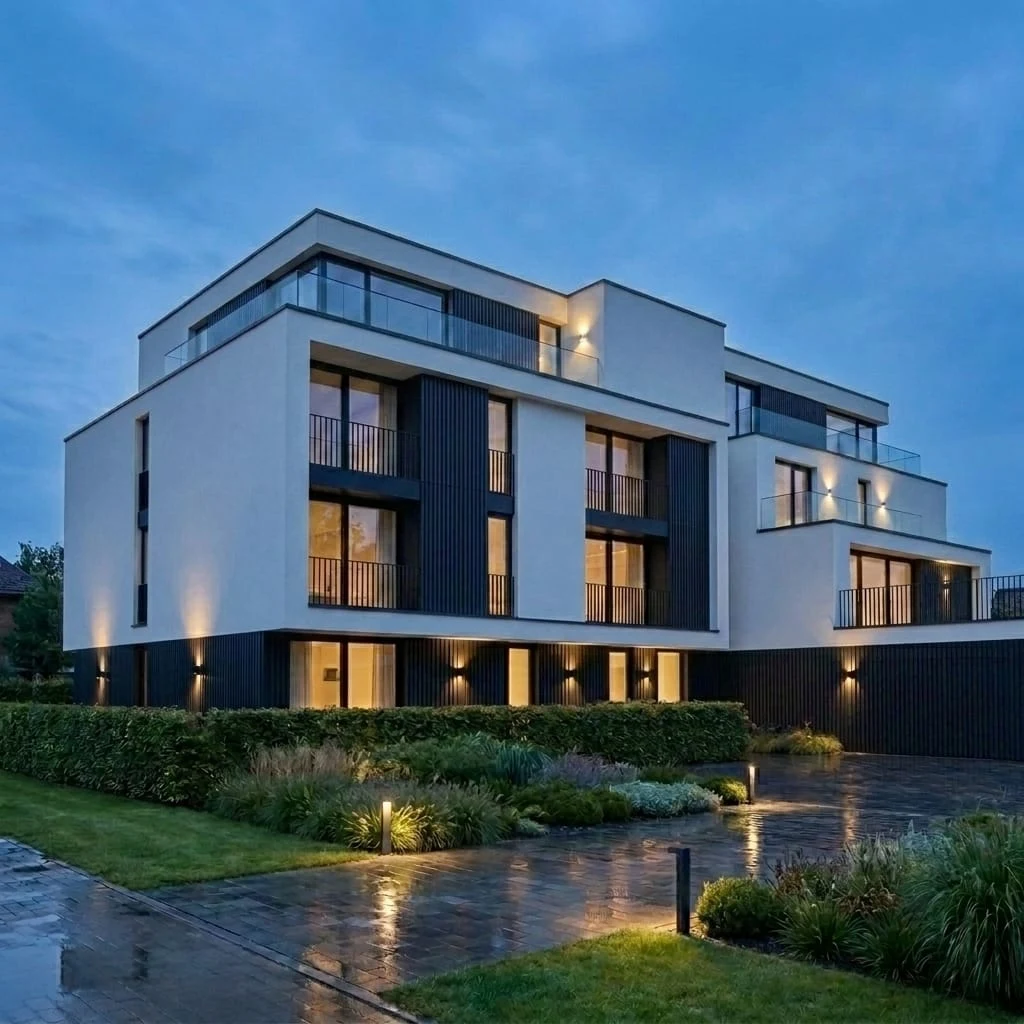
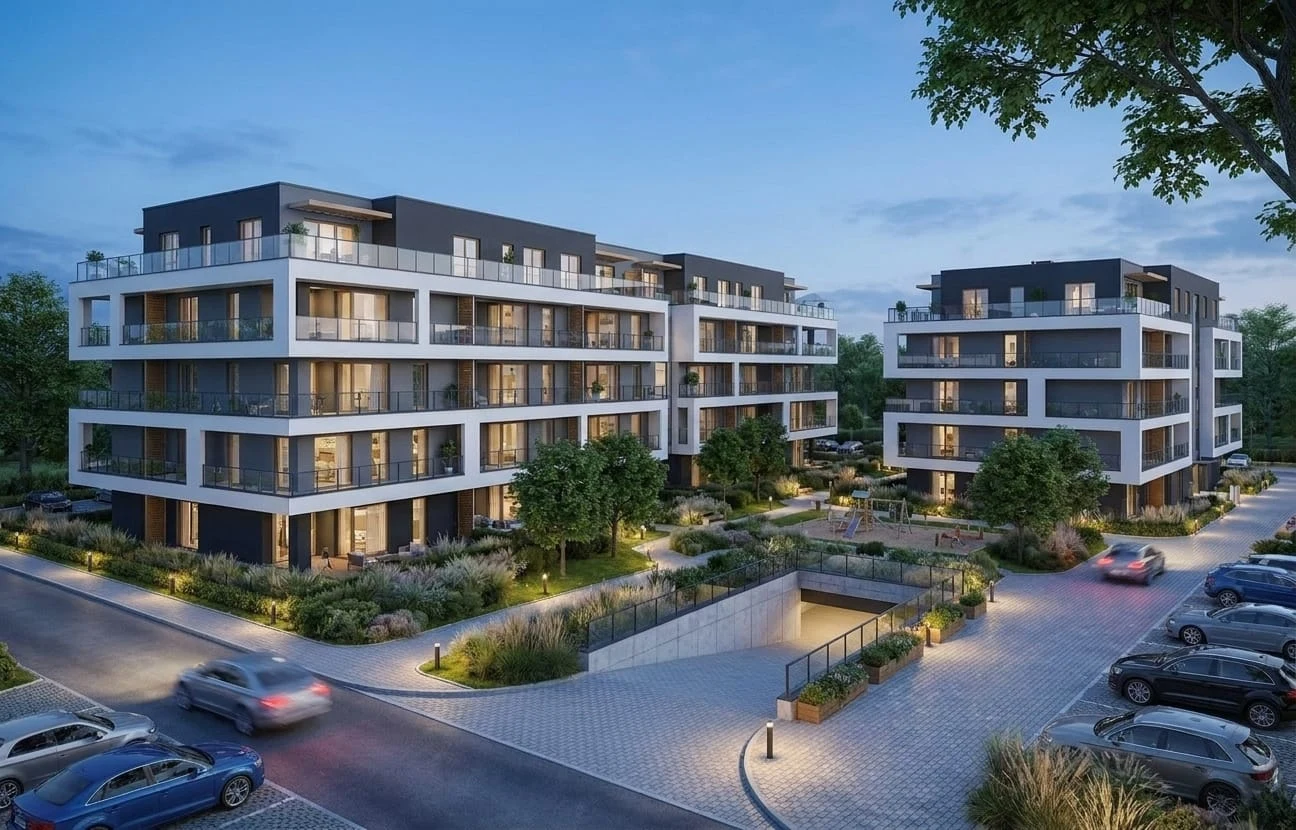
Explore examples created from sketches, model screenshots, and early project material.
Buy permanent credits when needed, or choose a monthly plan with one-month rollover.
$19.00
8 permanent credits. Buy 1–10 packs in one checkout.
$59.00/ month
30 credits each month for regular personal work.
$99.00/ month
60 credits each month for larger personal workflows.
1 Render Credit includes 1 visualization and 2 render modifications.
5 Render Credits generate 1 walkthrough video.
Prices shown do not include tax. Stripe calculates applicable tax at checkout.
QuickArchViz is designed to preserve the main geometry, camera angle, proportions, roofline, facade rhythm, windows, doors, and design intent. Like any AI workflow, small details may sometimes need correction, which is why modifications are part of the process.
You can upload screenshots or images from SketchUp, Revit, Archicad, 3ds Max, Rhino, Blender, or other 3D/modeling tools. You do not need to upload a full 3D file.
No. QuickArchViz is made for rough model views, clay renders, early screenshots, and simple project images. The goal is to avoid manual render setup.
One Render Credit creates one generated visualization and includes 2 render modification rounds. A high-resolution download and one upscale are included. A walkthrough video uses 5 Render Credits.
Yes, QuickArchViz is designed for client presentations, concept reviews, proposal visuals, internal design discussions, and marketing previews.
Your uploaded project images and generated visuals are private to your account. They are not visible to other users and are not published publicly. Your files are only processed as needed to generate your visuals and operate QuickArchViz, including by trusted AI and infrastructure providers.
Not always. QuickArchViz is not a full rendering engine. It is a faster presentation tool for turning screenshots and rough project material into strong visuals when you do not want to set up a full render scene.
No credit card required. Start with 3 free visualizations.