Rendering AI Architectural sketch
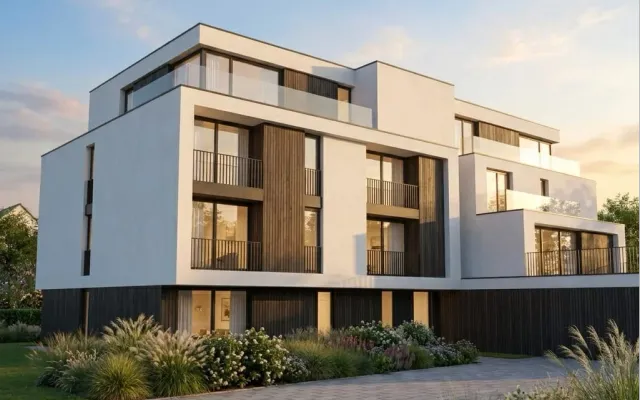
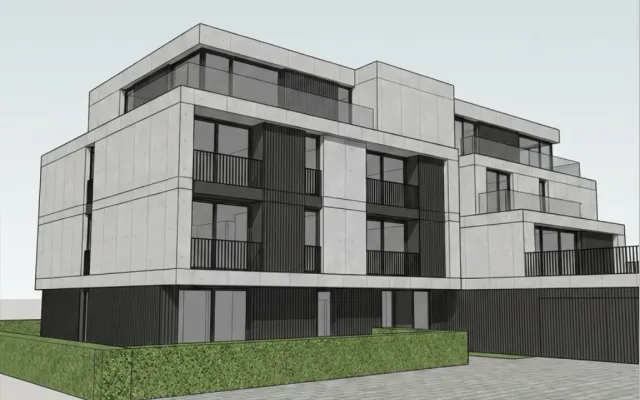
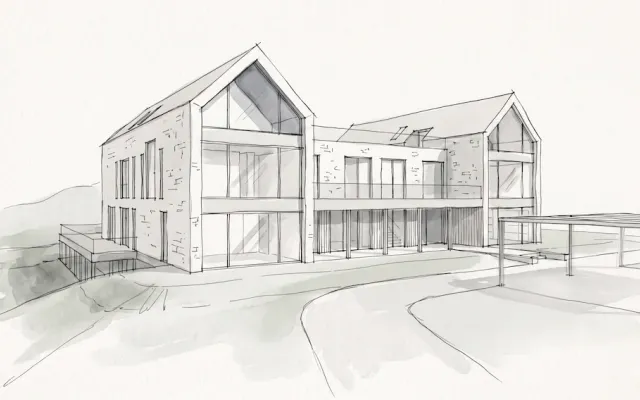
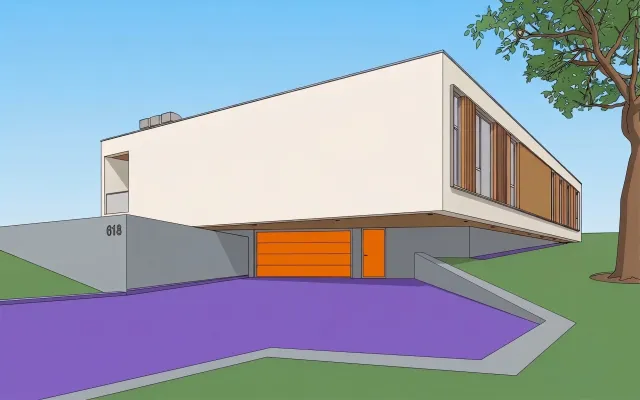
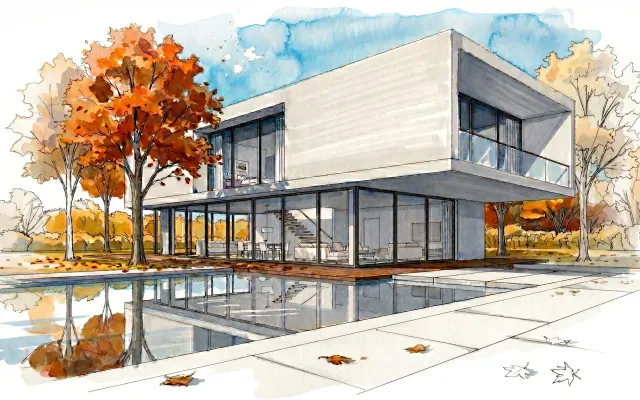
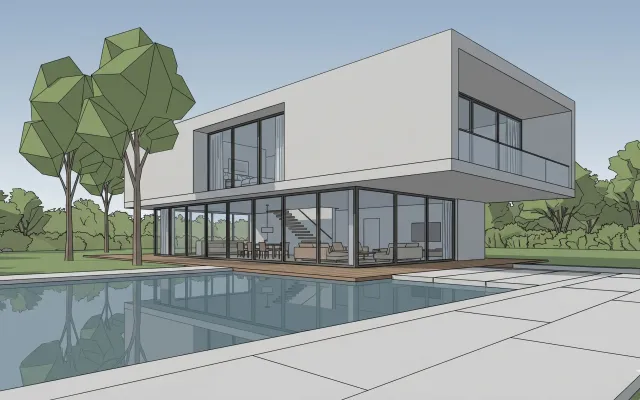
Turn a Raw 3D Model into an Artistic Sketch That Sells Emotion
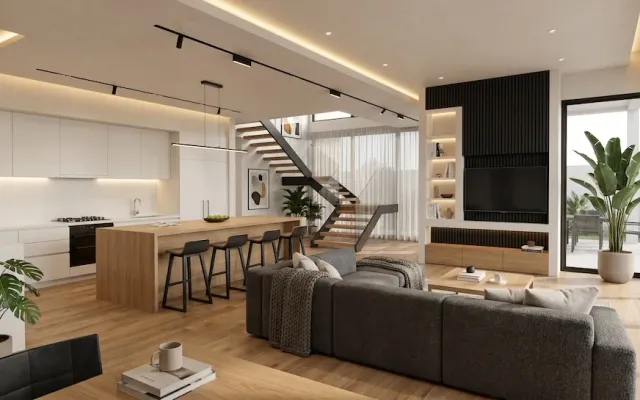
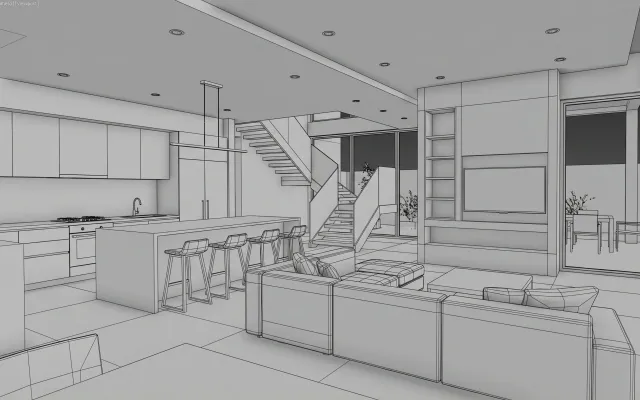
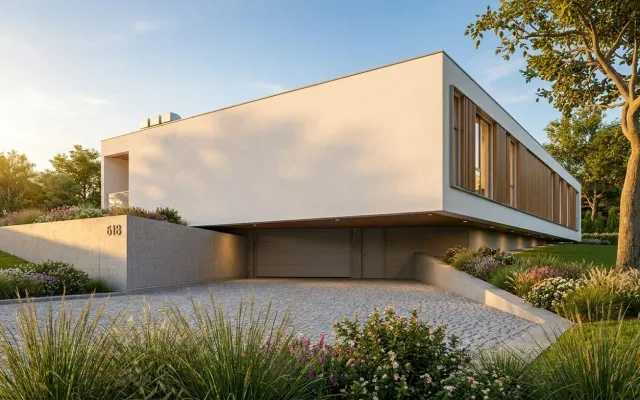
Not every project needs photorealism. Use AI to give your concept an expressive architectural mood in 60 seconds, creating images that look like marker, ink, or watercolor sketches.
View use case