Turn a Raw 3D Model into an Artistic Sketch That Sells Emotion
Not every project needs photorealism. Use AI to give your concept an expressive architectural mood in 60 seconds, creating images that look like marker, ink, or watercolor sketches.
- Jowita Chmura
- Rendering AI , Architectural sketch
How It Works
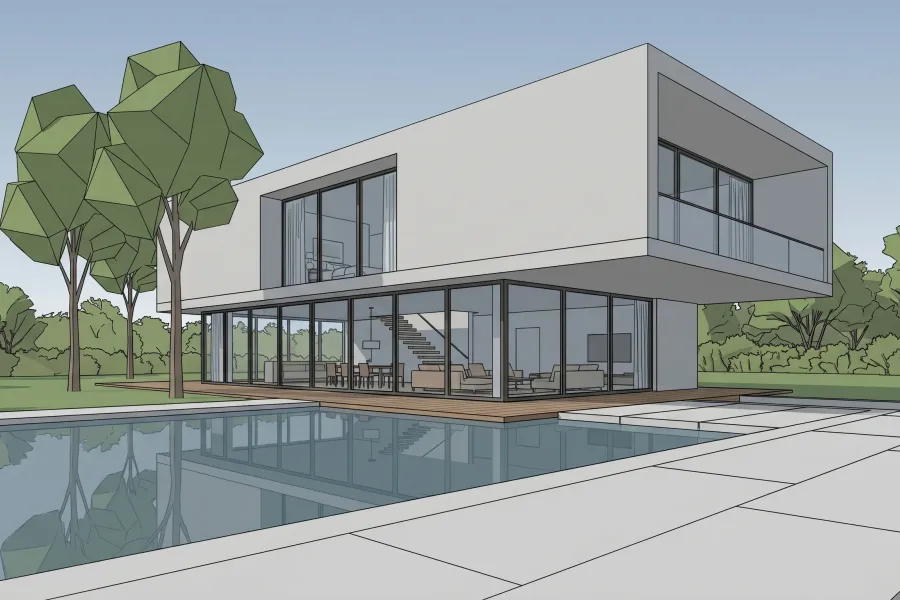
Step 1
Start with a Screenshot
Take a screenshot of your model in Archicad, Revit, SketchUp, or 3ds Max. You do not need materials, lights, or a render setup. QuickArchViz only needs clean geometry to create the base for your sketch.
- Generate a sketch from a 3D model without redrawing it by hand.
- AI artistic visualization keeps the massing and camera.
- Your concept is ready for an early client conversation.
Accepted formats
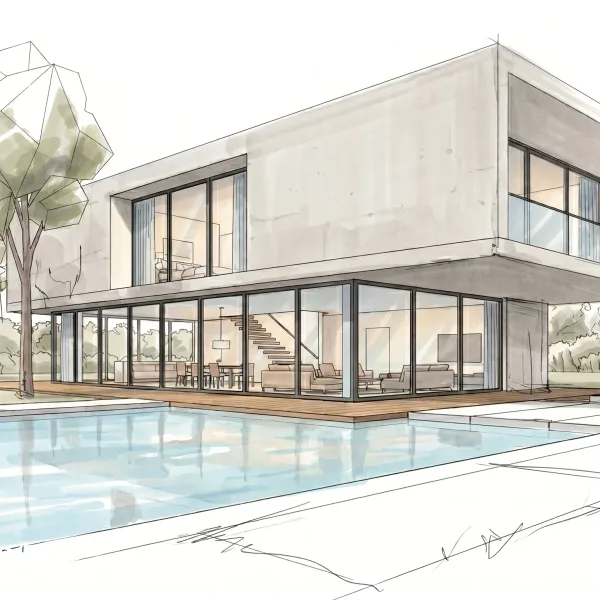
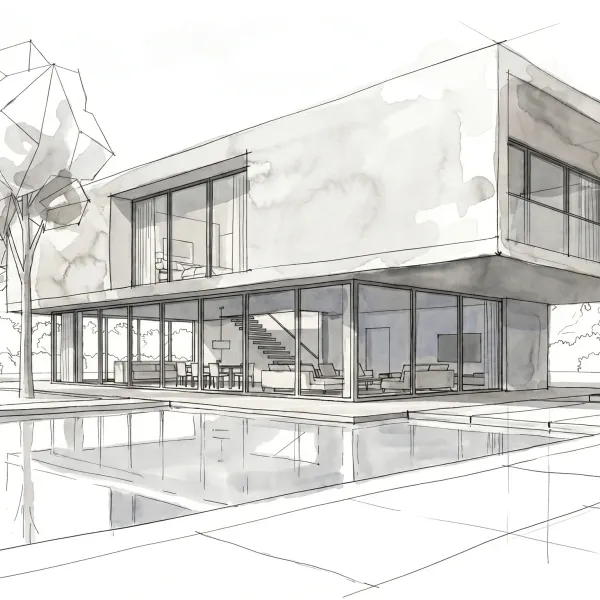
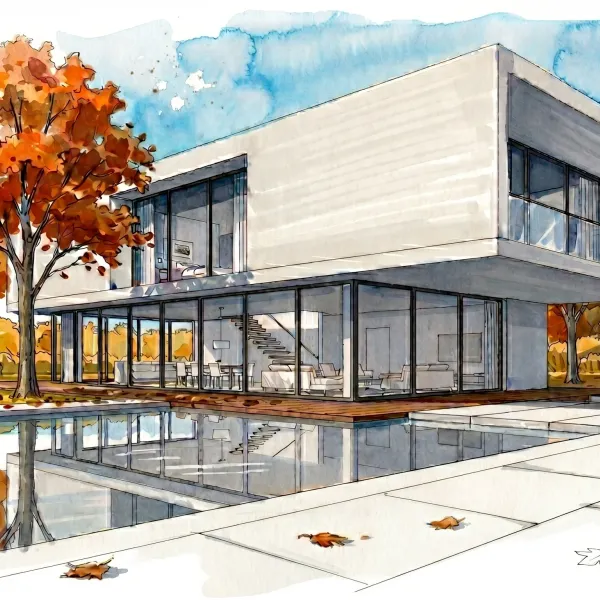
Step 2
Choose the Drawing Style
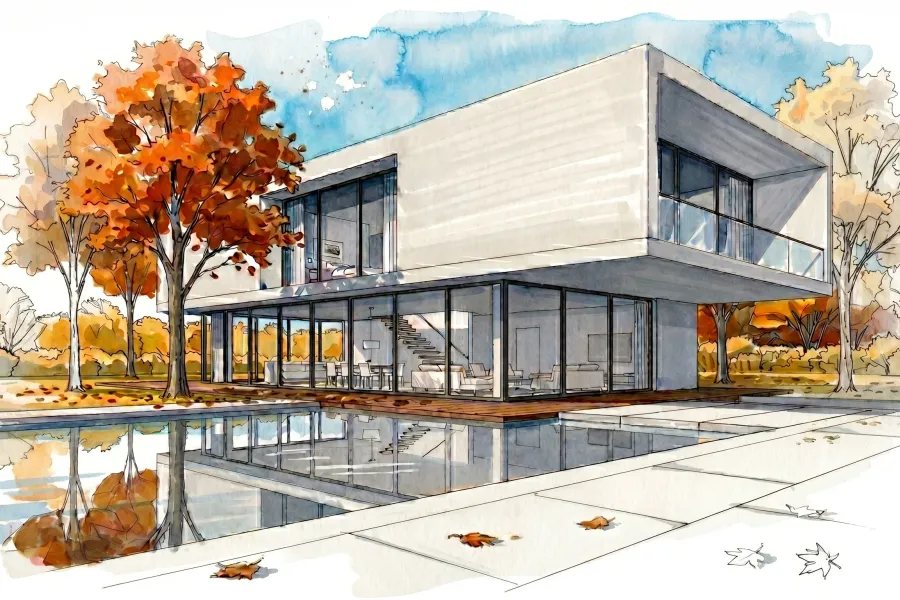
- Choose a style from the Artistic library:
- Marker: precise architectural marker style;
- Ink: classic black-and-white or technical character;
- Watercolor: painterly watercolor transitions that build mood.
- The Other option lets you describe a custom technique, for example "pencil sketch on aged paper".
Step 3
Get the Finished Sketch
Receive a finished sketch in 2K+ quality within seconds.
- Modification: 1 click + a text instruction, such as "add more greenery", gives you a fast correction.
- Video animation: turn the static sketch into an 8-second video.
- 4K Upscaler: prepare the project for print, portfolio, or competition boards.
- Use the sketch in PDFs, social media, and investor presentations.
Before and After
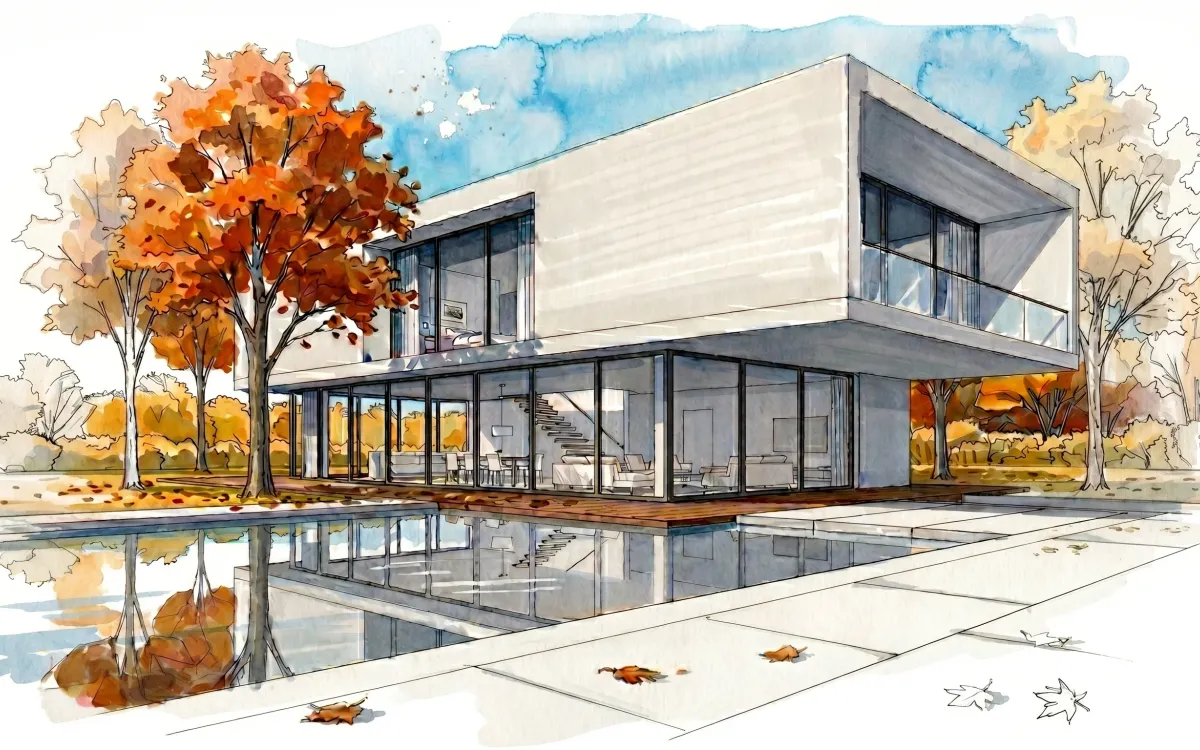
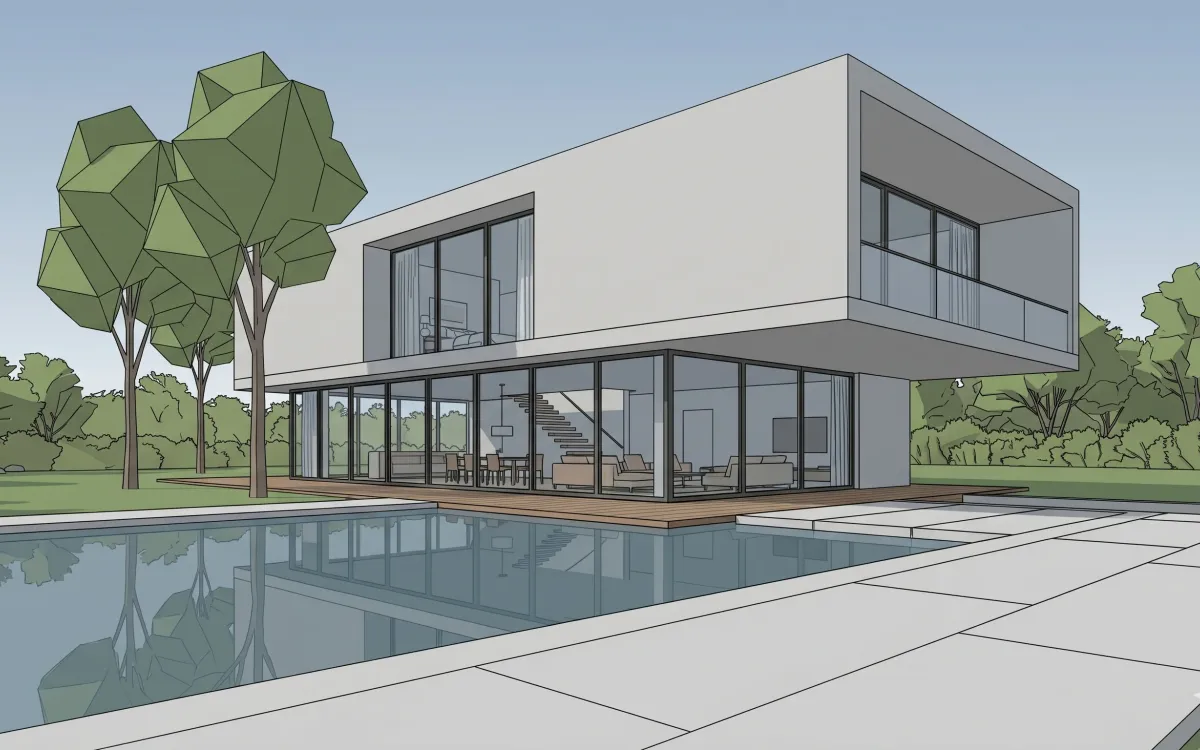
What QuickArchViz Preserves
Sell the vision before every detail is final.
Early design is about helping the client imagine the project. A fully realistic render can pull the conversation into details that are not decided yet. An artistic sketch keeps the focus on proportion, light, composition, and concept.
Upload a screenshot, choose Watercolor, Marker, or Ink, and create a presentation image for a competition board, investor meeting, or quick design review.
For students, it is a fast way to create a distinctive portfolio style without becoming a digital painting expert.
FAQ
Can I control the intensity of the style?
Yes. With the Other option, you can describe whether the image should feel more technical, raw, soft, or painterly.
What styles are available?
The main styles are Marker, Ink, and Watercolor.
Can I use a 4K sketch for print?
Yes. After using the Upscaler, the image is suitable for presentation boards, portfolios, and printed materials.
Your concept deserves an artistic presentation.
Skip expensive graphics workflows. Turn your first screenshot into a stylish sketch for free. Finished output can be ready in seconds.
Create your first sketch for free