QuickArchViz for Interior Designers
QuickArchViz for Interior Designers is a tool that transforms raw CAD/SketchUp viewports or room sketches into photorealistic concept previews in under 60 seconds. Powered by a dedicated Geometry Preservation layer, the platform automatically maps realistic textures (marble, timber, fabrics) and environment lighting while keeping your walls, layout, and furniture dimensions 100% stable. It allows you to test finish variants instantly with clients, entirely eliminating the risk of AI distorting your actual spatial design.
- Jowita Chmura
- Design teams
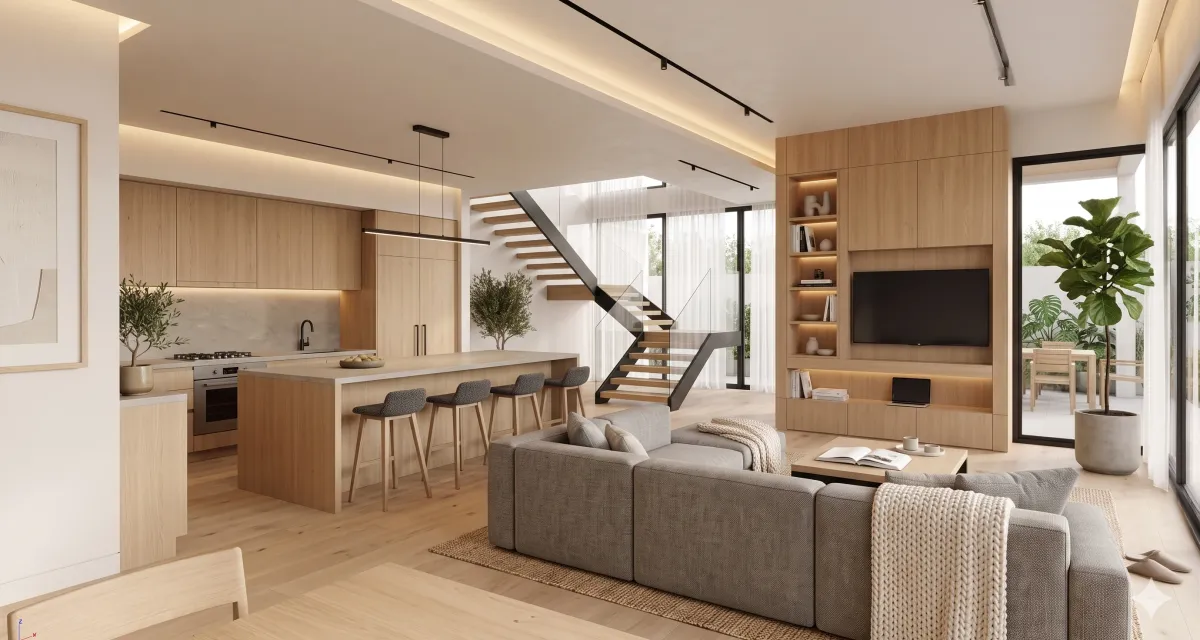
What this helps with
Clients need to understand mood, materials, and lighting before every detail is final.
Interior concepts often change quickly after the first visual reaction.
Designers need multiple style directions without rebuilding the whole scene.
Screenshots and rough 3D views need to become polished enough for useful feedback.
How QuickArchViz can help interior designers?
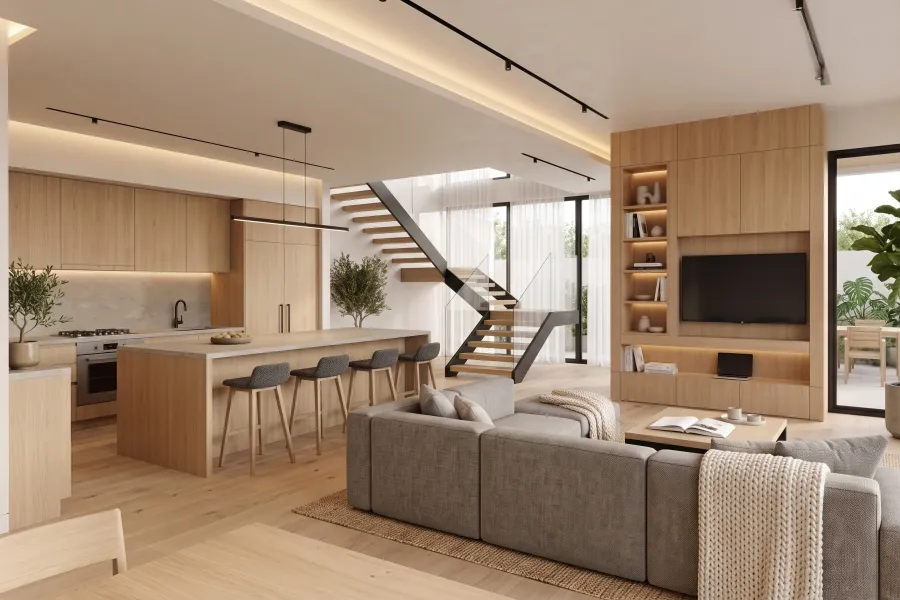
Preview interior mood from a screenshot
Start with a simple room view and use QuickArchViz to explore lighting, finishes, furniture mood, and atmosphere while keeping the room layout understandable.
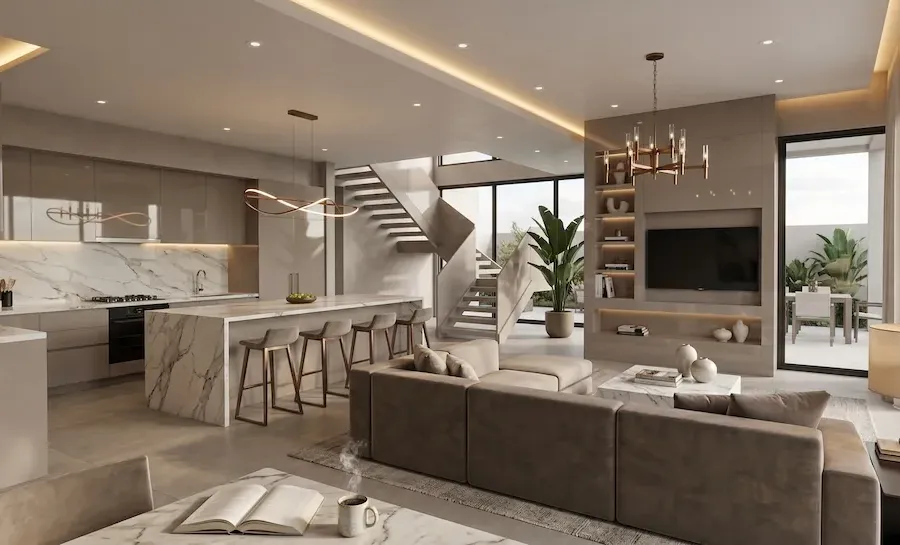
Compare style directions before detailed rendering
Use visual direction studies to test warm modern, organic, neutral, or more dramatic interior moods before the design team spends time polishing one direction.
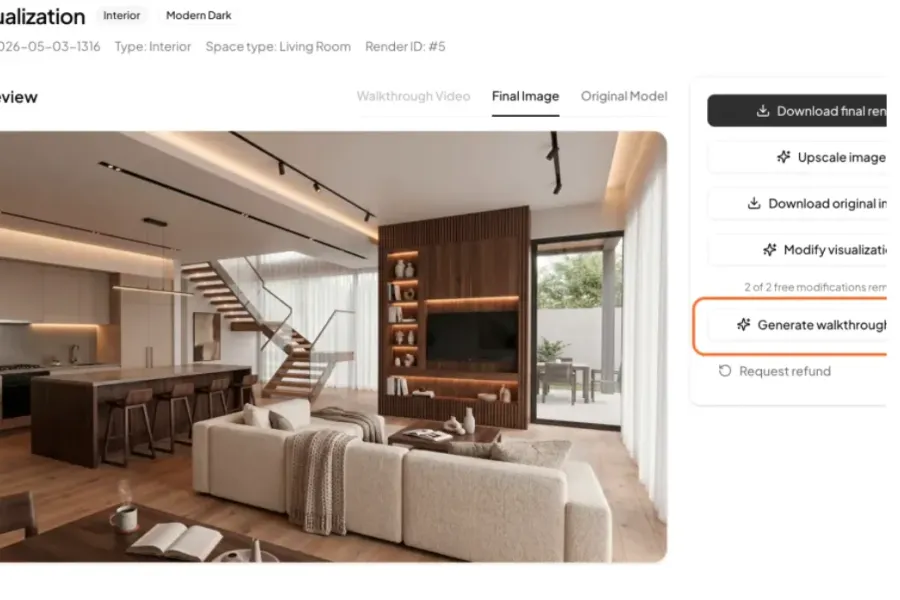
Help clients feel the space with short walkthrough videos
Turn a still visualization into a subtle architectural video that shows mood, scale, and spatial flow — ideal for client meetings, concept presentations, and faster project approval.
Faster interior feedback before final visualization
Interior designers often need a client to react to mood before every finish, fixture, and furniture item is locked. QuickArchViz gives that conversation a visual anchor. Instead of waiting for a polished render, you can test whether a room should feel warmer, calmer, more premium, more minimal, or more atmospheric.
The best use is early and iterative. A preview can reveal whether the client understands the design direction, whether the lighting mood supports the concept, and whether the material palette is moving in the right direction.
How to keep the workflow professional
Treat each AI interior result as a design communication tool. Keep the source screenshot, label the intended style direction, and capture feedback immediately after review. That makes the image useful without pretending it is a finished specification or final render.
Related use cases
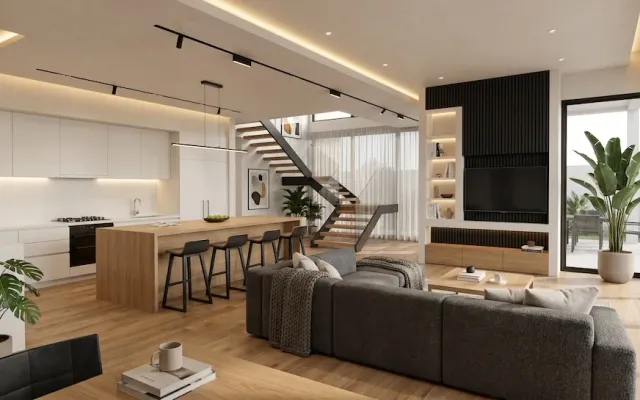
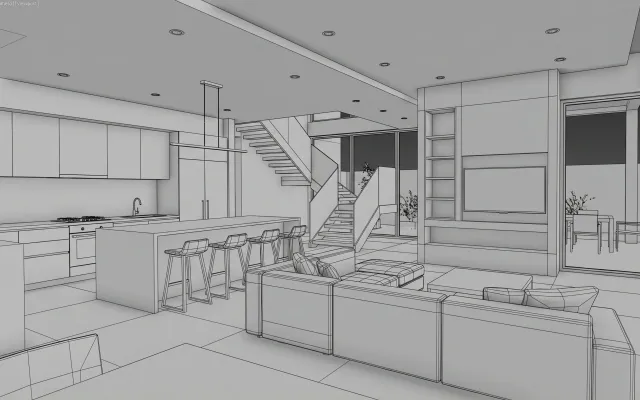
How to Create a Photorealistic Interior Visualization from a Model Screenshot
Create photorealistic interior visualizations without render farms, expensive workstations, or hours spent setting materials and lighting. Upload a screenshot or sketch and QuickArchViz generates a presentation-ready image in your chosen style.
View use case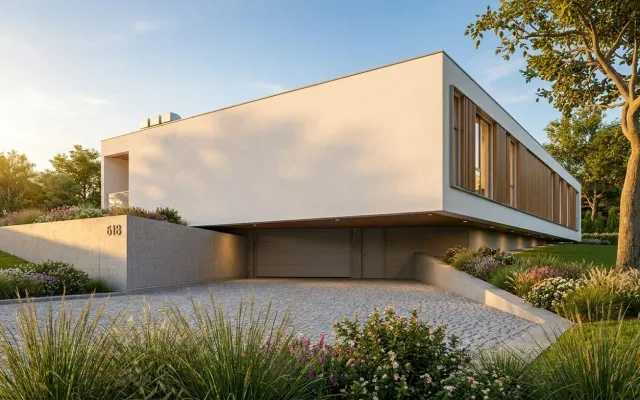
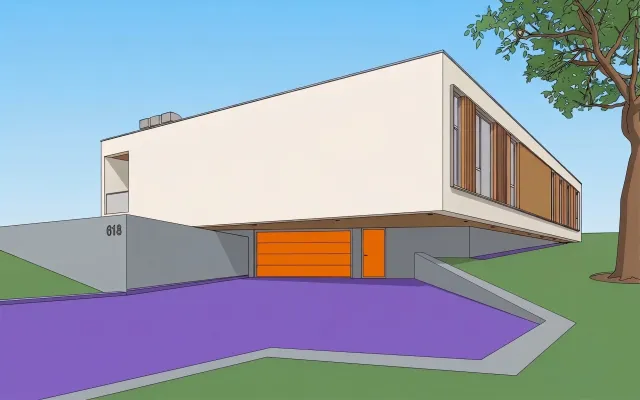
How to Set Materials from a Screenshot
A simple screenshot from Revit, SketchUp, or Archicad is enough. QuickArchViz can automatically prepare a photorealistic visualization, or you can use Advanced Mode to map your own materials based on the colors used in the model.
View use case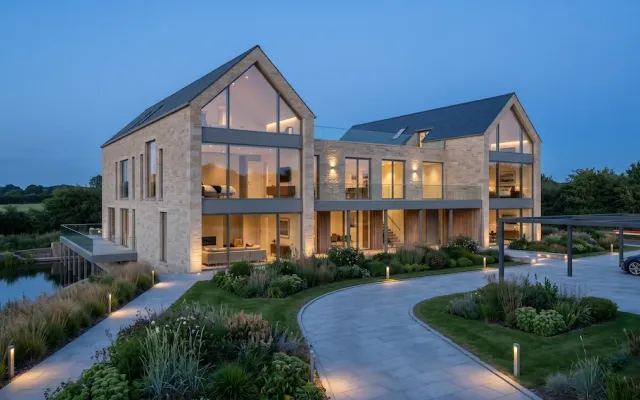
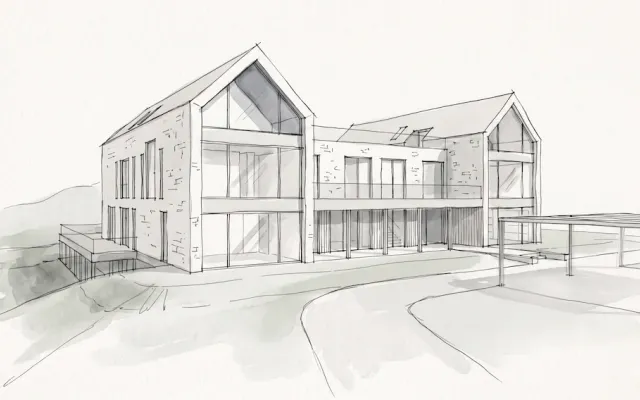
Be Ready for a Client Meeting in Minutes
Turn a drawing from your sketchbook into a professional visualization that helps sell the project. QuickArchViz takes you from a hand sketch to a 4K render without 3D modeling.
View use caseRelated prompts
Meeting Notes Action Checklist for Architects
Turn messy architecture project meeting notes into a clear action checklist with owners, deadlines, dependencies, and open questions.
View promptScope vs Budget Impact Visualizer
Show clients how a design change affects budget, schedule, and coordination effort.
View promptClient Decision Blocker Impact Report
Explain how an overdue client decision affects schedule, fees, and deliverables.
View promptFAQ
What is AI rendering for interior designers?
AI interior rendering is a cloud-based visualization process that uses machine learning to instantly apply photorealistic textures, materials, and environmental lighting to 3D room viewports, CAD screenshots, or hand sketches. Unlike traditional rendering engines, it requires no manual lighting configuration or UV texture unwrapping, outputting visual variations in less than 60 seconds.
How does QuickArchViz prevent the AI from shifting my walls or changing my furniture layout?
The platform utilizes a dedicated Geometry Preservation layer that maps and permanently locks the structural edge lines, vanishing points, and object scales of your source screenshot. The AI engine is strictly restricted to rendering realistic textures, calculating reflections, and casting light within those verified boundaries. Your walls, millwork dimensions, and furniture placements remain 100% stable and structurally true to your CAD data.
Can I use QuickArchViz to test specific material schedules with a client?
Yes. The AI engine is trained on professional interior design and architectural vocabulary. By choosing from our expert-curated style matrices or inputting specific text parameters, such as calacatta marble countertops, matte black plumbing fixtures, or fluted white oak cabinetry, you can map precise finishes across your room layout to test color drenching and material combinations in real-time meetings.
At what stage of the interior design process is this tool most effective?
QuickArchViz is engineered for the conceptual, mood board, and schematic design phases. It functions as an iterative visual anchor when you need a client to react to mood, lighting, and material intent before spending billable studio hours on detailed 3D modeling, lighting setup, or final purchasing documentation.
Does this replace traditional interior rendering software like V-Ray or Enscape?
No. QuickArchViz operates adjacent to your traditional pipeline. It replaces the slow, non-billable hours traditionally wasted on draft rendering cycles during early-stage client exploration. Once your client signs off on the conceptual mood and material direction, your team can proceed to detailed BIM modeling, construction drawings, and final production-grade marketing renders with zero guesswork.
Which interior design software programs are compatible with the platform?
QuickArchViz is completely software-agnostic. Because the cloud engine processes flat image uploads, you can export a raw viewport screenshot from SketchUp, Rhino, Revit, Archicad, or Chief Architect. You can also upload digital hand sketches from iPad apps like Procreate or high-contrast photographs of physical mood boards and empty space shells.
Explore AI interior visualization workflows
Start with a room screenshot, choose a direction, and turn client feedback into a clearer next design pass.
View interior use case