QuickArchViz for Architecture Students
Generate Jury-Ready Project Previews Directly From Your Viewport in Under 60 Seconds. Stop losing sleep over crash-prone rendering engines at 3 AM. Use an AI platform built to keep your original model geometry unchanged while instantly upgrading your lighting, materials, and atmosphere.
- Jowita Chmura
- Architecture education

What AI Rendering Helps Architects With?
When Your Studio Review Is Tomorrow
Problem: The model is still rough, but you need visuals that explain the idea clearly enough for critique.
AI leverage: Turn sketches, clay views, or viewport screenshots into readable concept images that help tutors respond to design intent, not unfinished graphics.
When Portfolio Deadlines Leave No Rendering Time
Problem: Final boards and portfolio spreads need atmosphere, but manual rendering can eat the hours you need for layout and project editing.
AI leverage: Generate visual directions quickly, then spend more time choosing the strongest story, sequence, and page composition.
When Your Concept Is Hard to Explain
Problem: Reviewers may not understand spatial mood, scale, or material intent from diagrams and simple model views alone.
AI leverage: Add lighting, context, and material mood so the design reads faster while the original geometry remains visible.
When You Need More Options Before Committing
Problem: Students often lock into one visual style too early because testing alternatives takes too long.
AI leverage: Compare style, color, facade, and atmosphere options before deciding what belongs in the final presentation.
How QuickArchViz can help architecture students?
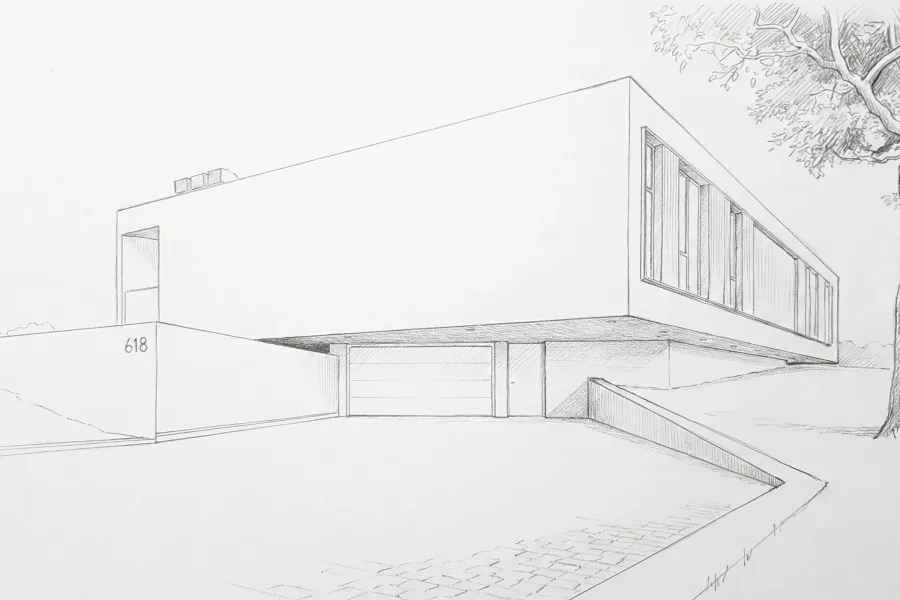
Turn sketches into critique-ready concept visuals
Upload a hand sketch, diagram, or rough study image and use QuickArchViz to create a clearer visual direction for studio feedback.
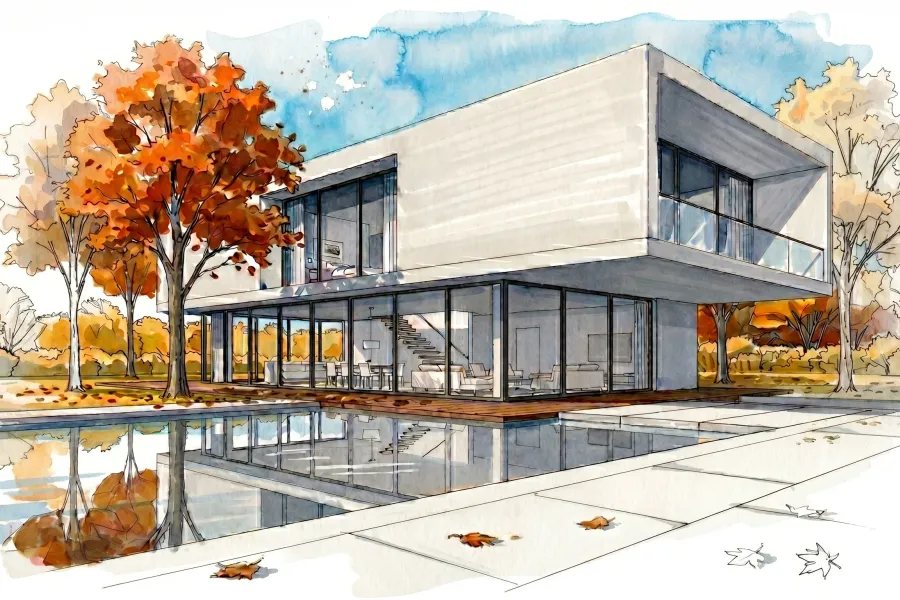
Improve rough model views for portfolio storytelling
Use screenshots from Rhino, SketchUp, Revit, Blender, or another modeling tool as the base for images that make the project easier to understand.
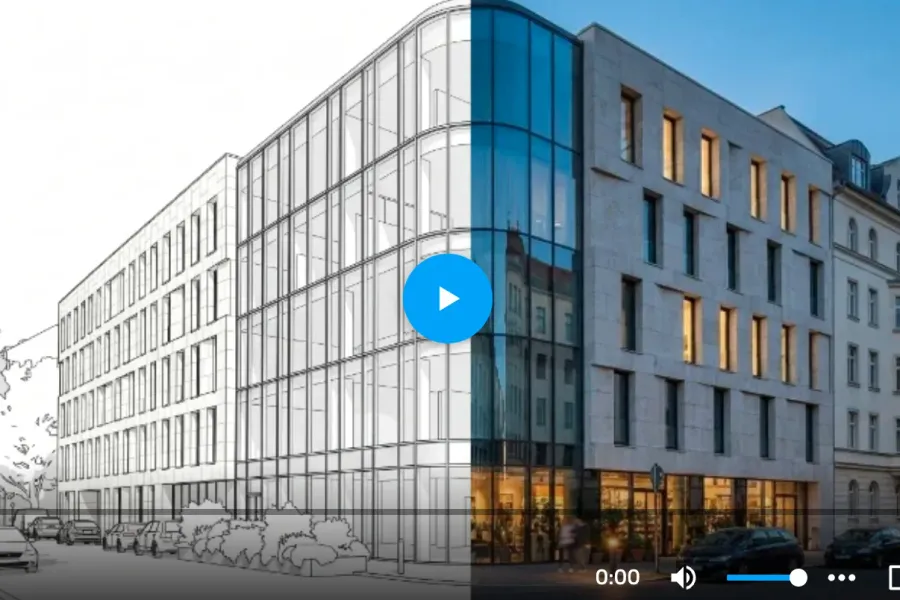
Help juries feel the space with short walkthrough videos
Turn a still visualization into a subtle architectural video that shows mood, scale, and spatial flow, useful for reviews, portfolio reels, and final presentations.
The Reality of Architecture School Deadlines: The Submission Panic
Every architecture student knows the specific anxiety of submission night. It is 3 AM, your final studio crit is in six hours, and your rendering software just crashed mid-frame. You are exhausted, surviving on caffeine, and staring at a flat, gray viewport model that fails to show how good your design actually is.
This is the ultimate bottleneck in architectural education: the trade-off between design development and rendering time. When you spend 48 hours troubleshooting lighting setups, adjusting complex material maps, and waiting for slow local hardware to process images, those hours are directly stolen from your design thinking, site analysis, and portfolio layout.
Worse yet, using general-purpose AI art generators (like Midjourney) to save time destroys your academic credibility. Generic AI does not understand scale or architecture; it warps structural lines, invents impossible physics, and alters your design. Tutors and guest reviewers notice this instantly. You do not need a tool that invents a random building—you need a fast way to make your own ideas visible.
Related use cases

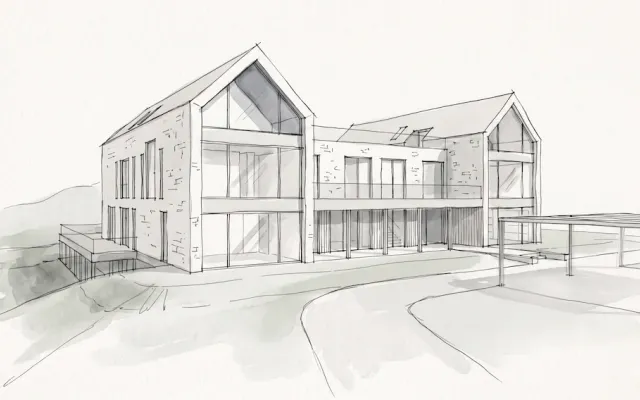
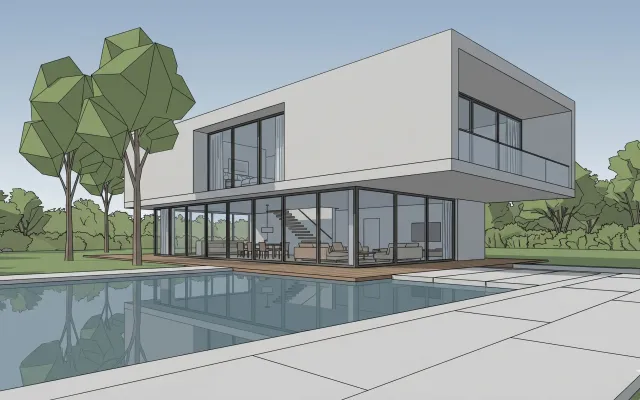
Be Ready for a Client Meeting in Minutes
Turn a drawing from your sketchbook into a professional visualization that helps sell the project. QuickArchViz takes you from a hand sketch to a 4K render without 3D modeling.
View use case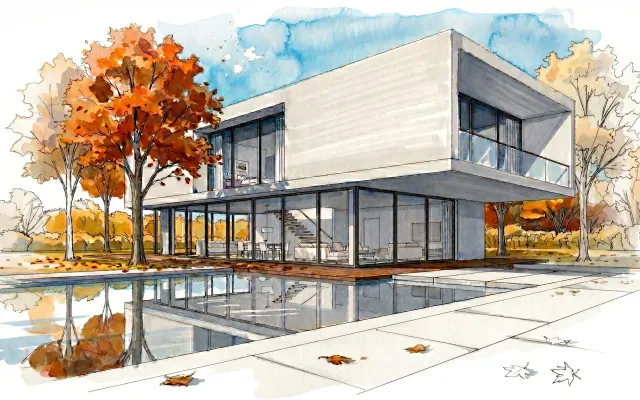
Turn a Raw 3D Model into an Artistic Sketch That Sells Emotion
Not every project needs photorealism. Use AI to give your concept an expressive architectural mood in 60 seconds, creating images that look like marker, ink, or watercolor sketches.
View use case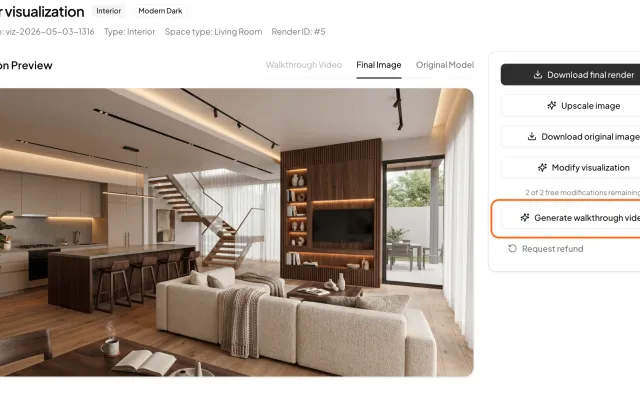
Create a Walkthrough Video with One Click
You do not need 3D animation, a powerful workstation, or video editing. Generate a short architectural film ready to show a client.
View use caseRelated prompts
Complete Architectural Project Checklist Generator
Generate a phase-by-phase architectural project checklist from rough project notes.
View promptFinal Architectural Handover Checklist (WBS)
Generate a WBS-style final handover checklist for architectural project closeout.
View promptArchitecture Meeting Agenda Builder
Turn loose meeting topics into a focused architectural meeting agenda.
View promptFAQ
What is AI rendering for architecture students?
AI rendering for architecture students is a cloud-based process that uses machine learning to convert 3D CAD/BIM viewports or hand sketches into realistic visual previews. It eliminates the need for manual material mapping and lighting configuration, outputting concepts in seconds.
Will using AI rendering negatively impact my studio grades?
Tutors generally object to AI when it generates an entire design from scratch, as it removes student authorship. QuickArchViz requires your own structural linework or massing model as a base; it only handles the texture, lighting, and environmental layers, meaning the architecture remains entirely your own design.
Can I specify exact real-world materials for my studio project?
Yes. The platform is trained on standard architectural terminology. By choosing from our professional presets or using specific text commands (such as "board-formed concrete" or "perforated copper panels"), the engine applies those materials accurately to your model's surfaces.
Do I need to buy expensive hardware to run the software?
No. QuickArchViz operates entirely on cloud servers. All rendering and processing occur remotely, allowing you to generate high-resolution previews from an ordinary laptop or browser window without overloading your system.
Which modeling programs work with QuickArchViz?
QuickArchViz is completely software-agnostic. Because it processes standard image uploads, you can use screenshots or viewports exported from Rhino, SketchUp, Revit, Archicad, Vectorworks, or photographs of physical models and hand sketches.
Build stronger studio presentation material
Use QuickArchViz to turn rough project inputs into clearer visuals before critique, portfolio reviews, and final boards.
Browse student-friendly use cases